
Read colors in C++
A quick rundown of how GPU to CPU reads are performed in C++ the UV updates are done directly on the returned handle from the manager after submitting the request, this ensures the least amount of instructions allowing it scale to tens of thousands without hindering CPU time.
1. Add and configure the example
Copy the complete header and source below into your game module, then build. Place Pixel Era Manager and the example actor. Assign its Manager and prepared Source. The actor keeps one sample handle.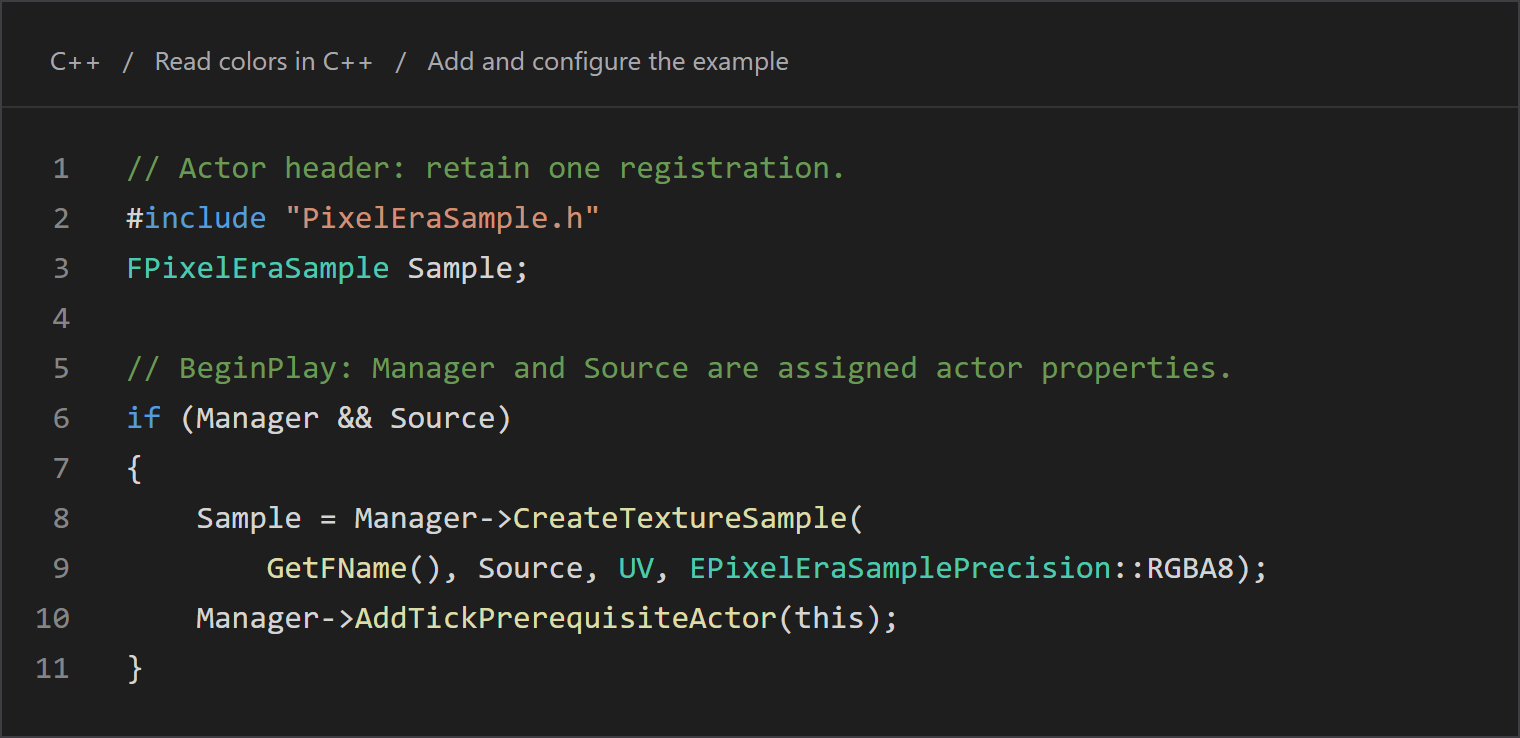
- Register onceRetain the returned sample handle.
Copy the C++
// Actor header: retain one registration.
#include "PixelEraSample.h"
FPixelEraSample Sample;

// BeginPlay: Manager and Source are assigned actor properties.
if (Manager && Source)
{
    Sample = Manager->CreateTextureSample(
        GetFName(), Source, UV, EPixelEraSamplePrecision::RGBA8);
    Manager->AddTickPrerequisiteActor(this);
}
2. Update, receive, remove
Change the actor’s UV. Tick updates the retained handle, then stores the latest completed color in PixelColor. EndPlay removes the registration. Keep these calls on the game thread. Give every sample a key unique within its manager.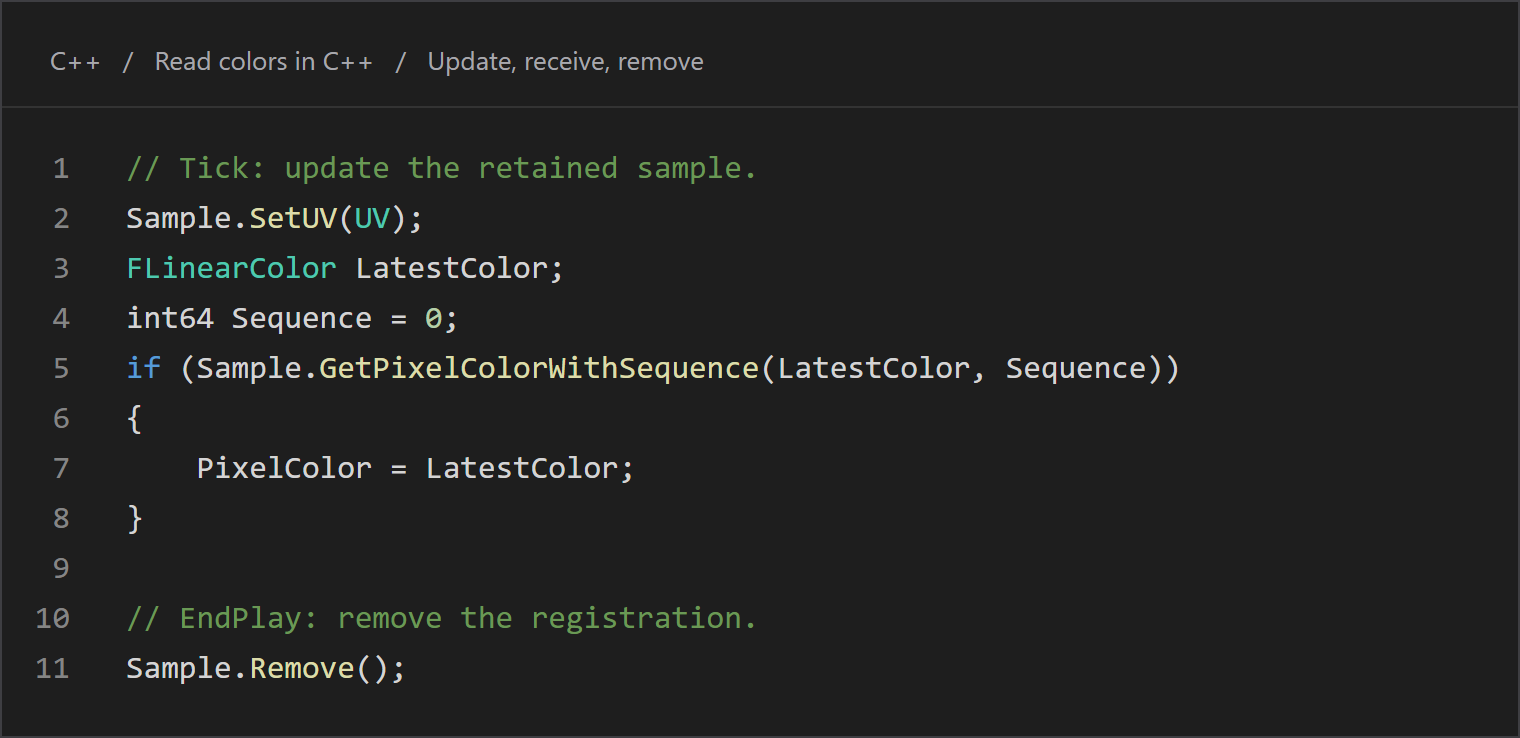
- Update UVThe handle keeps the existing registration.
- Remove on EndPlayIf this read operation will not be used again, and it should not tick anymore – remove the sample from the manager’s cache.
Copy the C++
// Tick: update the retained sample.
Sample.SetUV(UV);
FLinearColor LatestColor;
int64 Sequence = 0;
if (Sample.GetPixelColorWithSequence(LatestColor, Sequence))
{
    PixelColor = LatestColor;
}

// EndPlay: remove the registration.
Sample.Remove();
Add "PixelEra" to PublicDependencyModuleNames in your module’s .Build.cs.
Complete header
PETextureReaderExample.h
#pragma once

#include "CoreMinimal.h"
#include "GameFramework/Actor.h"
#include "PixelEraSample.h"
#include "PETextureReaderExample.generated.h"

class APixelEraCachedReader;
class UTexture;

UCLASS()
class APETextureReaderExample : public AActor
{
    GENERATED_BODY()

public:
    APETextureReaderExample();

    UPROPERTY(EditInstanceOnly, Category = "Pixel Era")
    TObjectPtr<APixelEraCachedReader> Manager;

    UPROPERTY(EditAnywhere, Category = "Pixel Era")
    TObjectPtr<UTexture> Source;

    UPROPERTY(EditAnywhere, BlueprintReadWrite, Category = "Pixel Era")
    FVector2D UV = FVector2D(0.5, 0.5);

    UPROPERTY(BlueprintReadOnly, Category = "Pixel Era")
    FLinearColor PixelColor = FLinearColor::Black;

protected:
    void BeginPlay() override;
    void Tick(float DeltaSeconds) override;
    void EndPlay(const EEndPlayReason::Type Reason) override;

private:
    FPixelEraSample Sample;
};
Complete source
PETextureReaderExample.cpp
#include "PETextureReaderExample.h"
#include "PixelEraCachedReader.h"
#include "Engine/Texture.h"

APETextureReaderExample::APETextureReaderExample()
{
    PrimaryActorTick.bCanEverTick = true;
}

void APETextureReaderExample::BeginPlay()
{
    Super::BeginPlay();
    if (Manager && Source)
    {
        Sample = Manager->CreateTextureSample(
            GetFName(), Source, UV, EPixelEraSamplePrecision::RGBA8);
        Manager->AddTickPrerequisiteActor(this);
    }
}

void APETextureReaderExample::Tick(float DeltaSeconds)
{
    Super::Tick(DeltaSeconds);
    Sample.SetUV(UV);

    FLinearColor LatestColor;
    int64 Sequence = 0;
    if (Sample.GetPixelColorWithSequence(LatestColor, Sequence))
    {
        PixelColor = LatestColor;
    }
}

void APETextureReaderExample::EndPlay(const EEndPlayReason::Type Reason)
{
    Sample.Remove();
    Super::EndPlay(Reason);
}
Updated Oct 17, 2026