
What TUNS does
Understand the bake, the Niagara input and the particle count.
TUNS: True Uniform Niagara Sampling gives Niagara a true uniform field of sample points with optional baked masking for both Skeletal and Static meshes.
- Bake: choose a mesh and an optional mask texture, then click Bake for TUNS to distribute the samples
- Connect: assign the saved bake to a TUNS Baked Surface (GPU) input in your Niagara module either on Particle Spawn or Particle Update.
- Use: the sampling module writes position, normal, UV and other surface attributes for your effect.
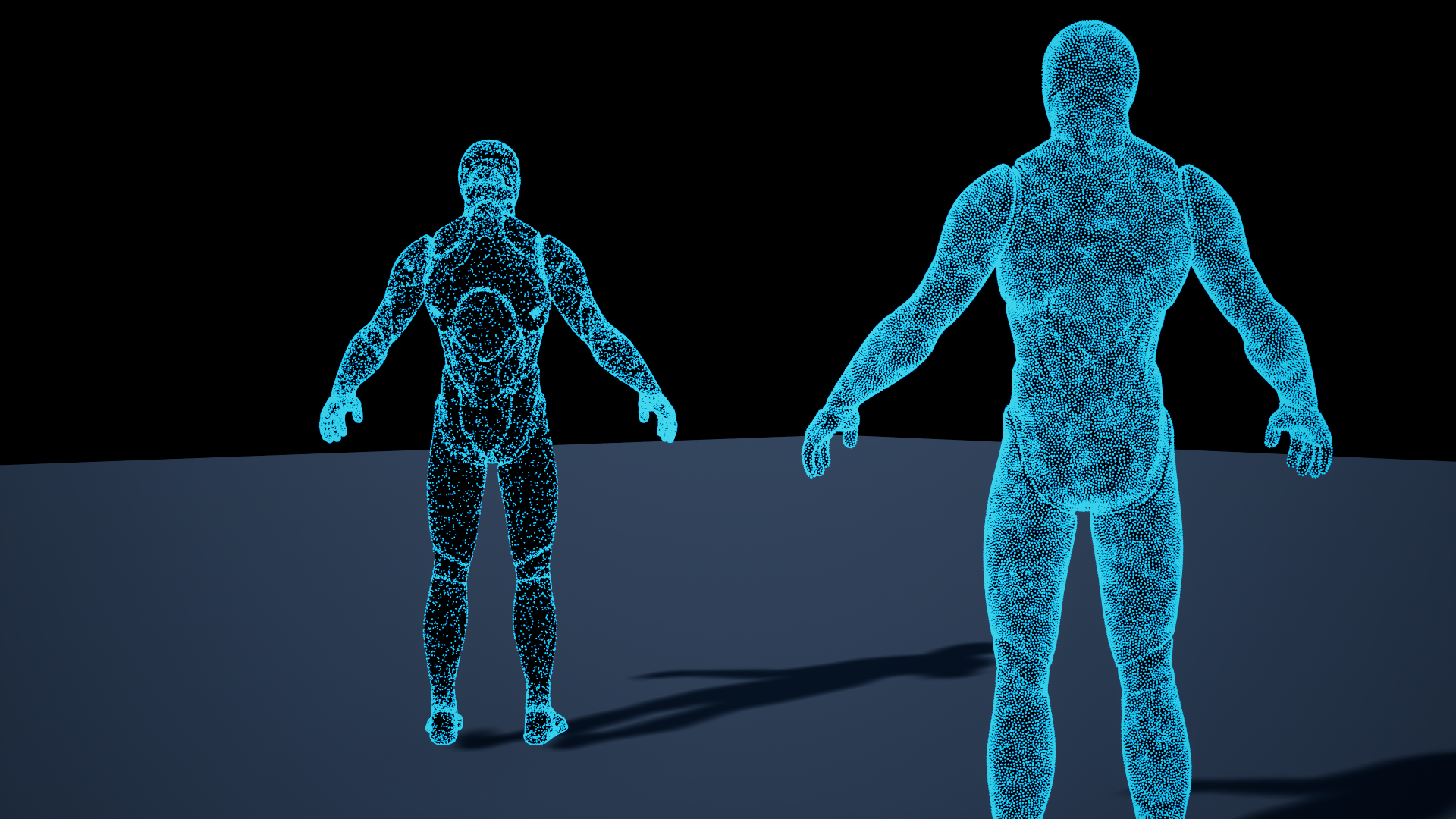
Baking is an editor step. At runtime, Niagara reads the saved bank on the GPU.
Start with your first effect.
Updated Oct 4, 2026